OSM Offline Tiles for APRSMap
Using OpenStreetMap offline maps with APRSMap on Linux
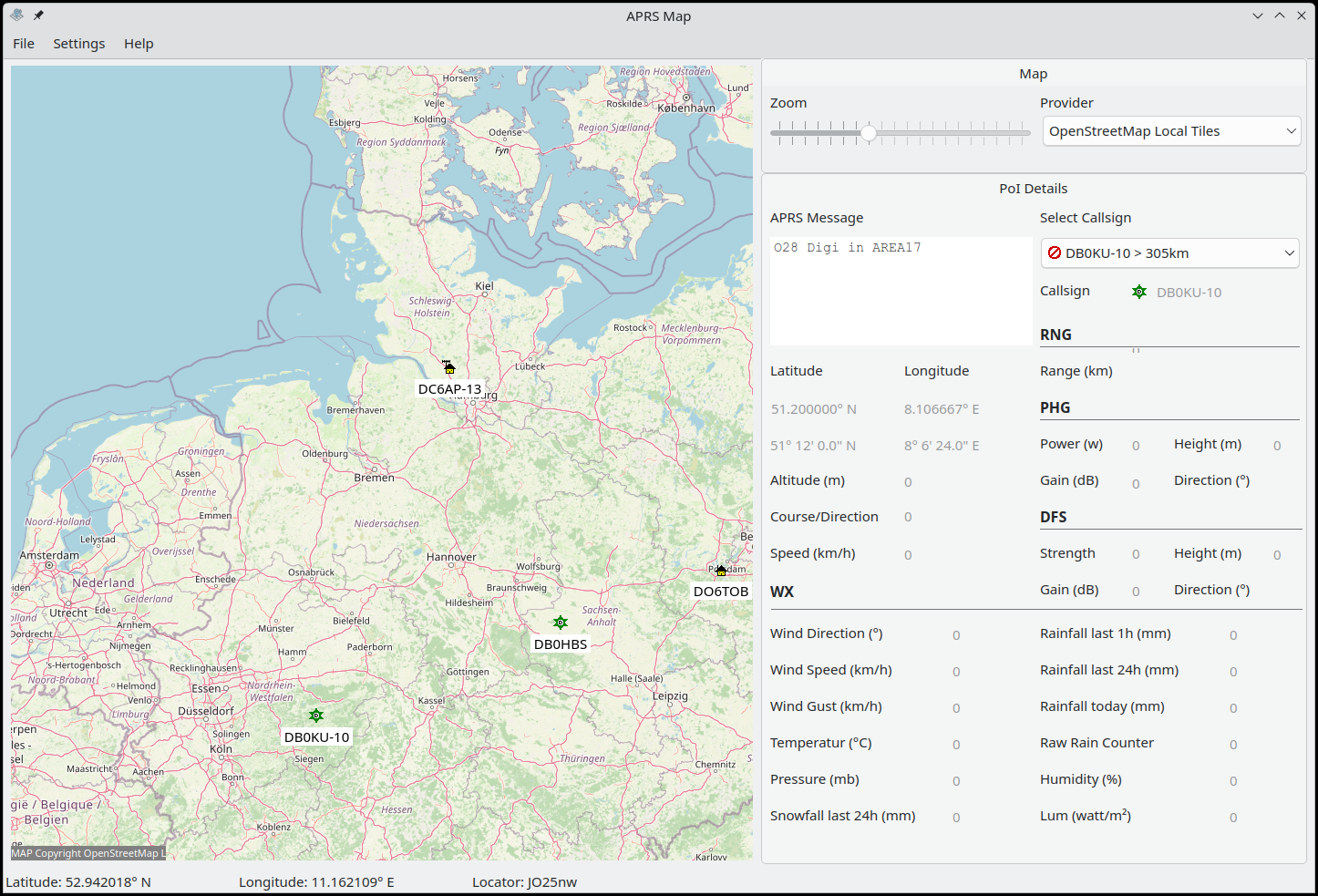
On Linux, there is only a limited selection of APRS applications. Many of them are outdated, no longer maintained, or their source code is too complex to maintain independently in case of an emergency. That’s why I developed my own APRS application: APRSMap, written in Pascal with a Qt6-based user interface.
This article focuses less on APRSMap itself and more on how to use the program with offline maps based on OpenStreetMap (OSM) – ideal for emergency communication scenarios where no internet connection is available.
Why Offline Tiles?
Running a full OSM tile server is not an option for me: it requires too much storage and computing power. I want APRSMap to run reliably even on small mobile devices or x86 tablets. That’s why I generate only the required map tiles – and only up to a moderate zoom level.
Generating Tiles with Maperitive
To generate the tiles, I use a tool called Maperitive. It offers many customization options for maps. For this use case, however, the standard OSM map is sufficient.
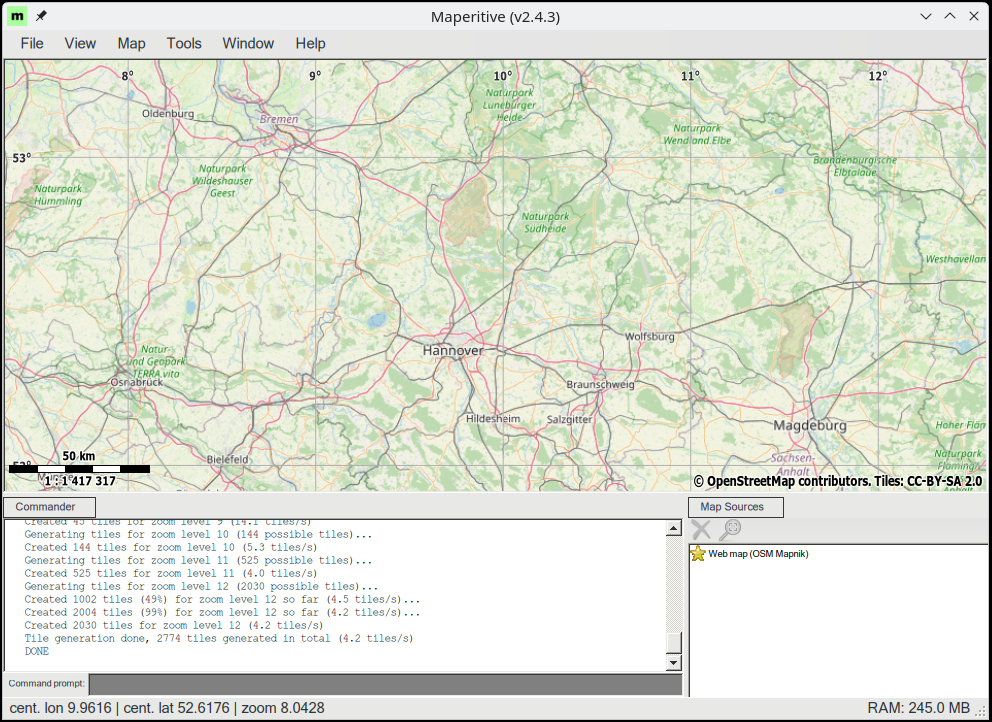
By default, Maperitive exports the visible area on the screen, usually up to zoom level 11. I want to generate tiles up to zoom level 13. To do this, I enter the following command into the Maperitive command prompt and press Enter:
1
generate-tiles minzoom=0 maxzoom=13
Maperitive saves the tiles in the Tiles/ directory in my home folder.
Configuring APRSMap
To make APRSMap use the offline tiles:
- In the Settings, set the local tile directory (e.g.,
~/Tiles). - In the main window under MAP, select the provider “OpenStreetMap Local Tiles”.
From now on, APRSMap will load maps from the local directory – no internet required.
Offline maps are a key component of reliable emergency communication via APRS. Enjoy experimenting with it!
The current AppImage for Linux, you can download here.