EPS-103 Controller with GPredict
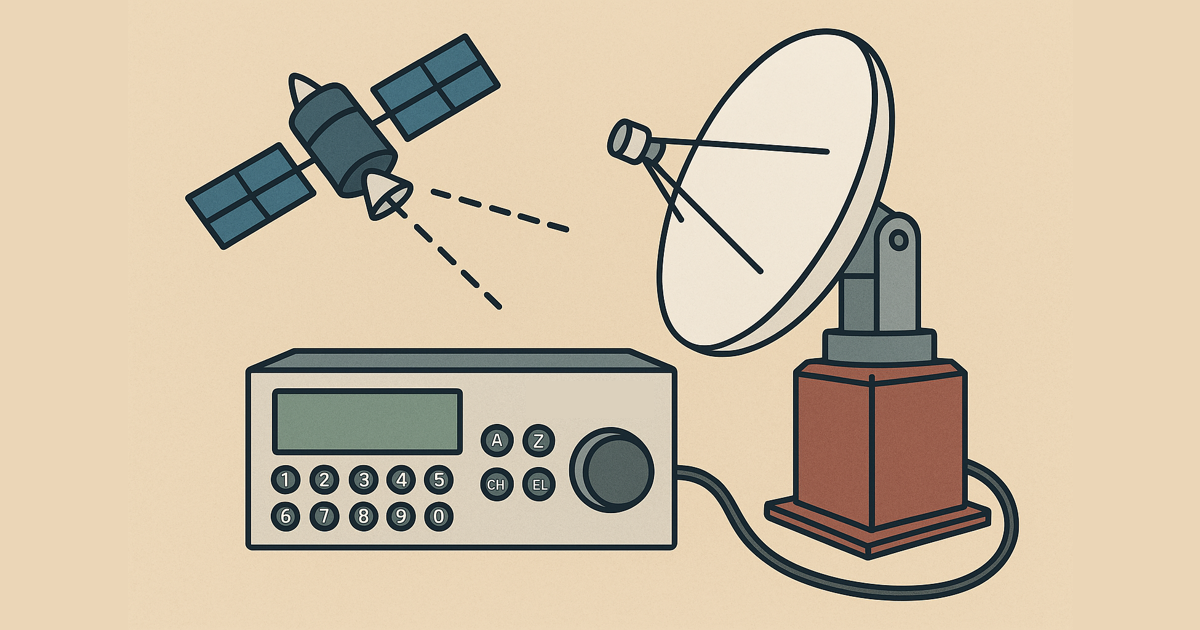
Controlling the EPS-103 Rotor with GPredict via Python
As mentioned in my previous post, I’ve now written a small Python program to control my EPS-103 rotor controller using GPredict. The project is based on an existing script by Gabe Emerson (known from the YouTube channel Saveitforparts). While only a small portion of the original code remains, I still want to give proper credit to Gabe for the initial inspiration.
1. Installation
To install the software, simply clone the repository and install the required Python dependencies:
1
2
3
git clone https://github.com/andreaspeters/eps-controller
cd eps-controller
pip install -r requirements.txt
2. Configuration
Next, edit the file src/rotor.py and adjust the serial_port variable to
match the USB or COM port your EPS-103 controller is connected to.
By default, the controller communicates at 1200 baud. If your configuration differs, you can change the baud rate at the bottom of the same file.
3. Running the Program
To start the server, run:
1
2
[nix-shell:/data]$ python src/rotor.py
Listening on 0.0.0.0:4533
This will start a socket server on port 4533, ready to receive commands from GPredict.
4. Configuring GPredict
In GPredict, go to Edit → Preferences → Interfaces and add a new rotor
interface.
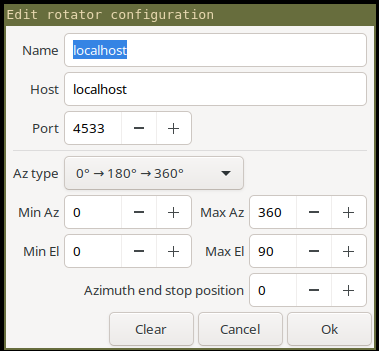
Set the hostname to localhost and the port to 4533 (or the one you
configured in the script).
Final Result
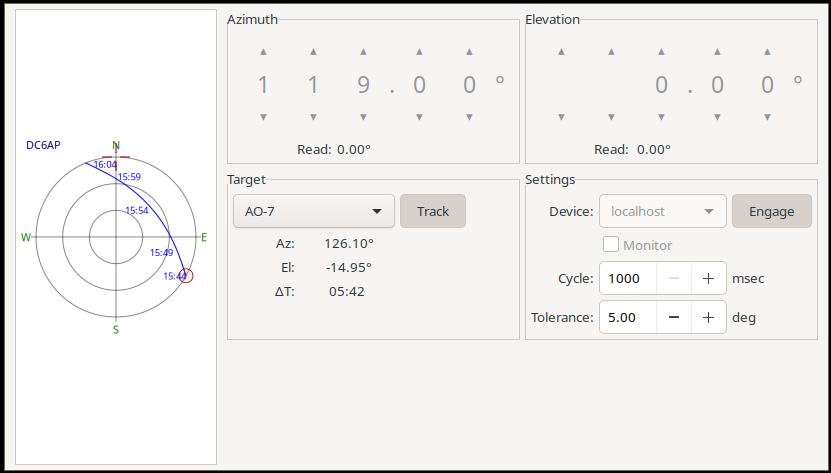
If everything is configured correctly, you should now be able to control your EPS-103 rotor directly from GPredict.
You can find the full source code and further documentation on GitHub: ➡ GitHub Repository: andreaspeters/eps-controller