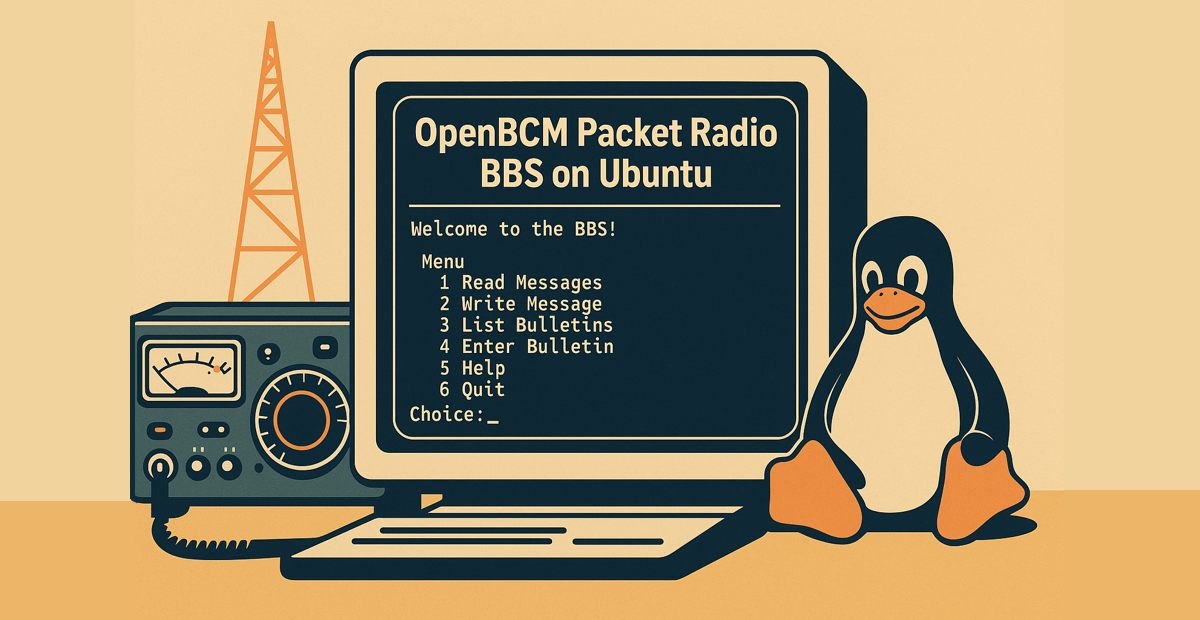
OpenBCM (Open BayCom Mailbox) is a free packet radio BBS software for amateur
radio operators. It allows you to set up a Mailbox/BBS for digital amateur
radio message transfer. This article explains how to install and run OpenBCM on
an Ubuntu system.
Requirements
1
2
| sudo apt update
sudo apt install -y build-essential git
|
Step 1: Clone and Compile the Source Code
1
2
3
| git clone https://github.com/andreaspeters/openBCM.git
cd openBCM
make
|
Step 2: Prepare for the First Run
1
2
3
4
5
| mkdir ~/bcm
cp out-x86_64/bcm ~/bcm/
cd ~/bcm
chmod +x bcm
./bcm # first run creates config files
|
Step 3: Configuration
For the first run, we will only change some parameters.
1
2
3
| boxaddress DB0XYZ.#XYZ.DEU.EU
sysopcall YOURCALL
callformat 2 # 1 is for CB and 2 for amateur radio callsigns
|
Step 4: Run OpenBCM with systemd
To run OpenBCM in the background, use this systemd service file as a template:
1
| sudo vim /etc/systemd/system/bcm.service
|
1
2
3
4
5
6
7
8
9
10
11
12
13
14
15
16
17
18
| [Unit]
Description=bcm service
After=network.target syslog.target
[Service]
Type=simple
User=username
Group=usergroup
WorkingDirectory=/home/username/bcm
ExecStart=/home/username/bcm/bcm
ExecStop=/bin/kill -HUP $MAINPID
SyslogIdentifier=BCM_HAM
Restart=no
RestartSec=90
StartLimitInterval=400
[Install]
WantedBy=multi-user.target
|
Step 5: Start
1
2
3
| sudo systemctl daemon-reload
sudo systemctl enable bcm
sudo systemctl start bcm
|
Outlook
OpenBCM is now ready to use. Good luck building your own packet radio mailbox!
Next steps:
- Create the connection to LinBPQ
- Configure Mailforwarding